
Route Matrix
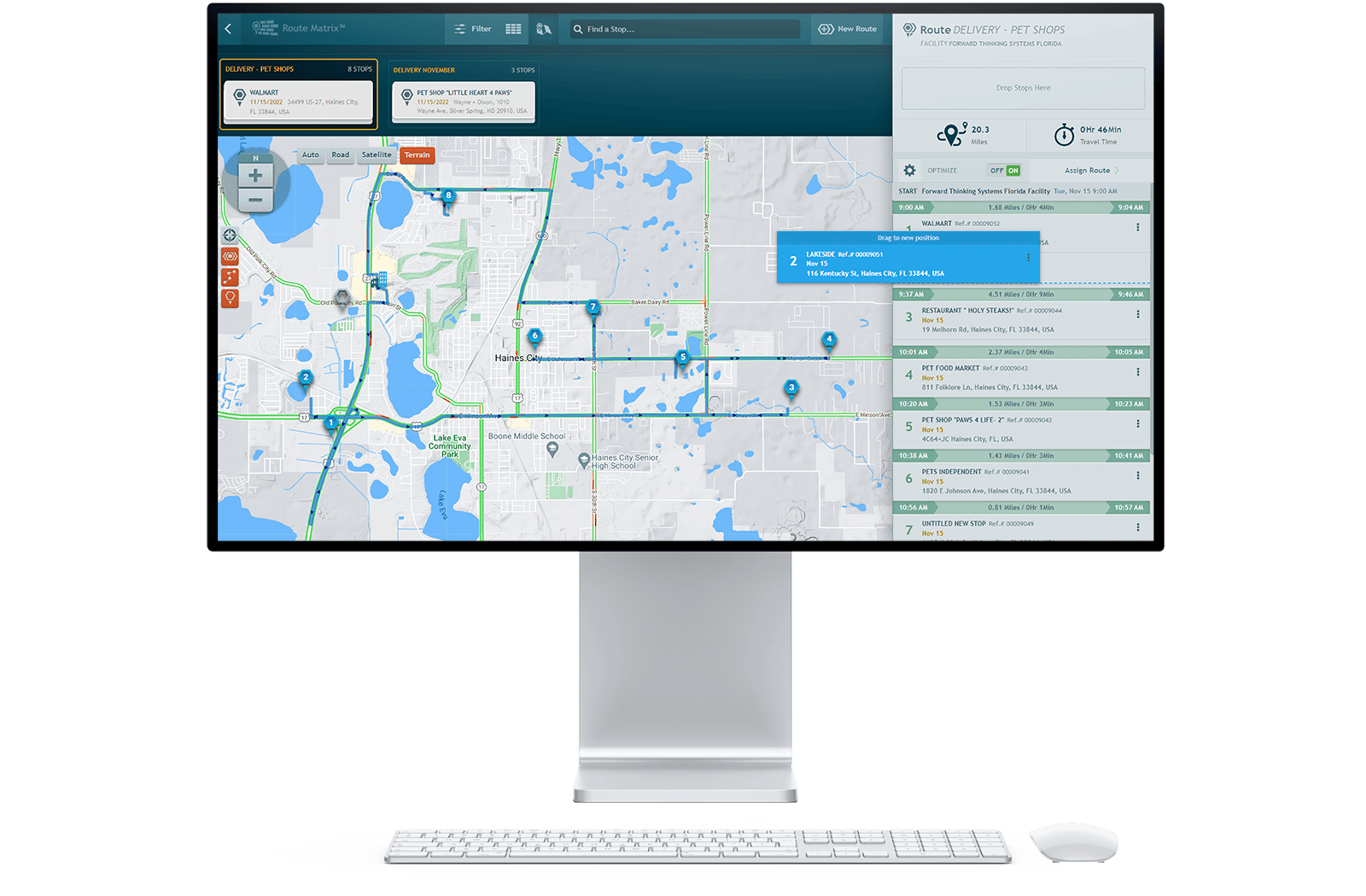


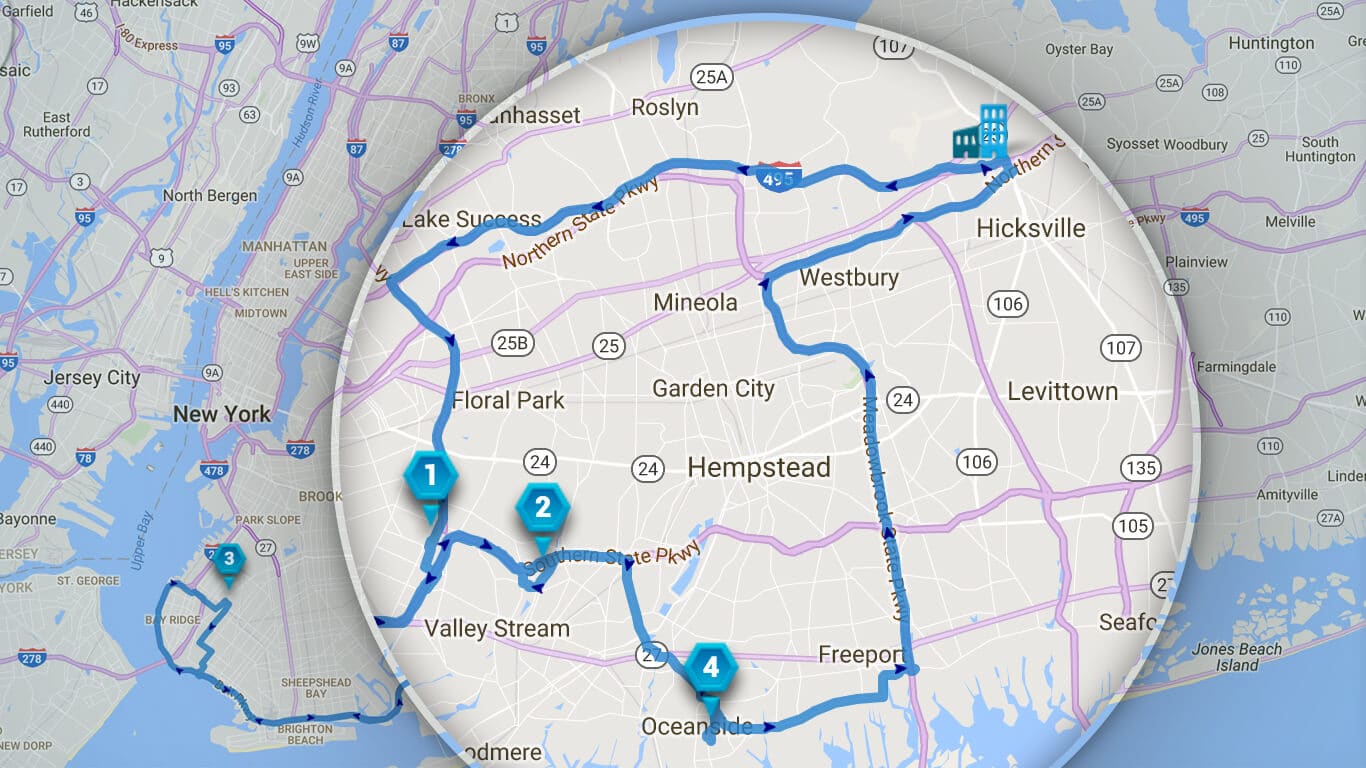
Our fleet routing software automatically sorts stops into a highly optimized order, taking into account distance, travel time, service, and a growing list of other factors. This optimization means you’ll waste less fuel, work-hours, and money. And because you’re operating more efficiently, your productivity will grow as if there were suddenly more hours in each day.
The most direct or efficient route isn’t always the only consideration. There may be times you want to override the “correct” order due to customer preferences, truck unloading requirements, or any number of reasons. Customizing the order of stops is as simple as dragging them into the order you want. It’s simple, user-friendly, and quick.
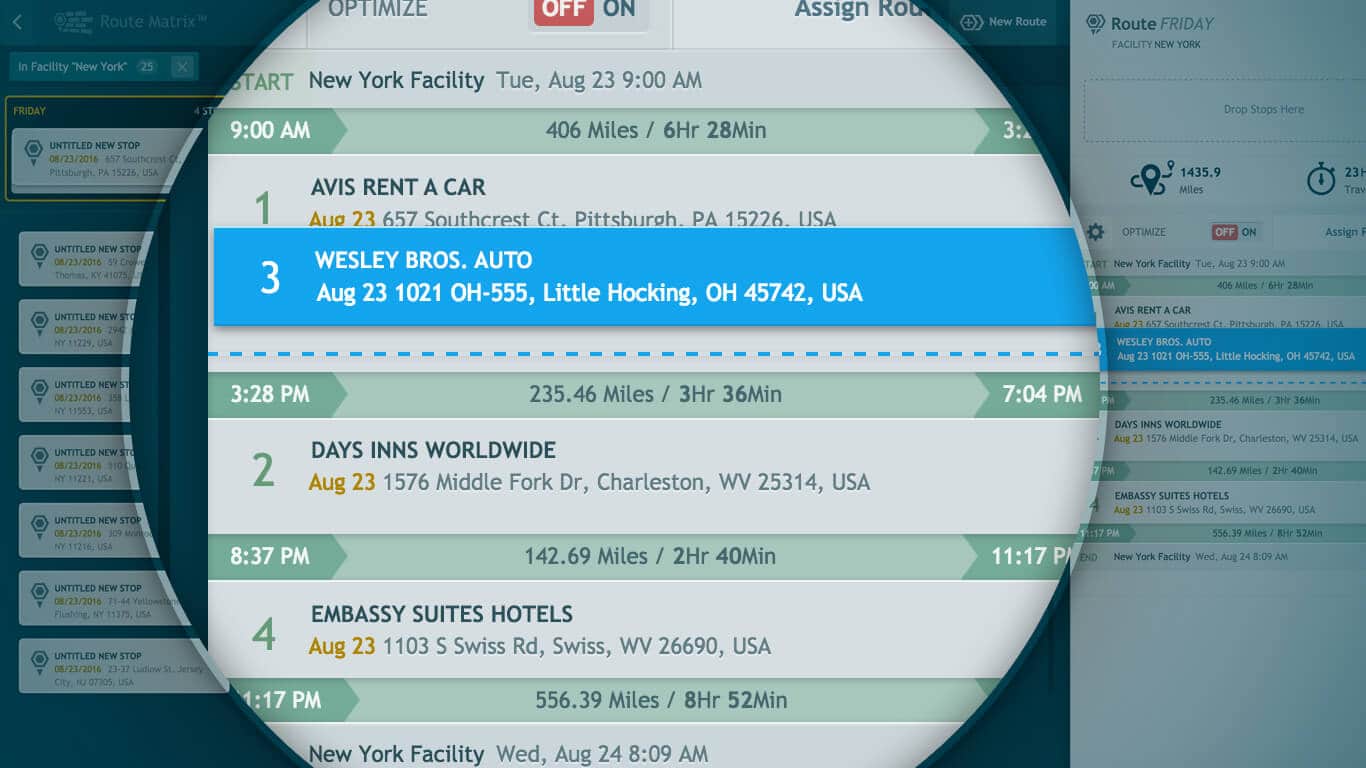
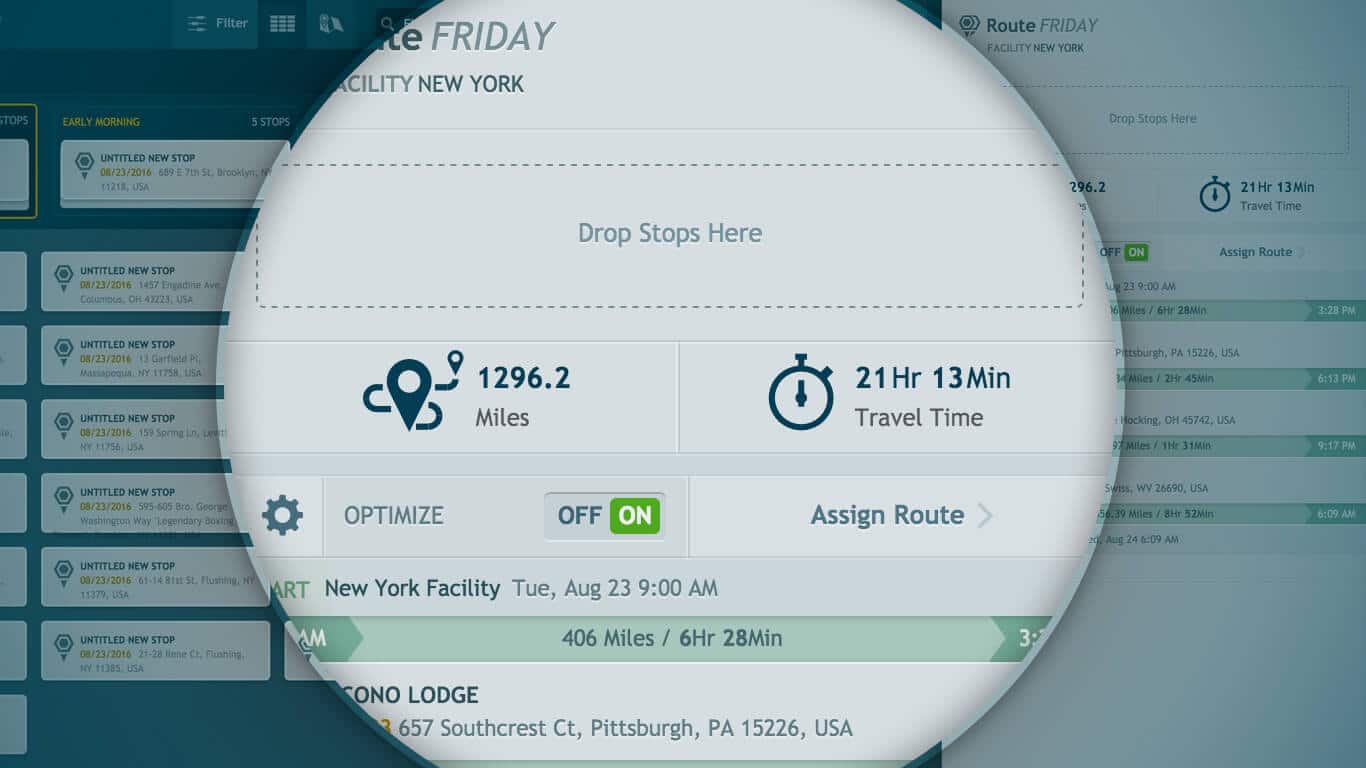
As you add stops to a route, the total distance and travel time are automatically recalculated and displayed so you’ll know how the additional stop affected the route. If you change your mind you can simply click “undo”. When fleet route optimization is enabled, every new stop gets spliced into the most efficient spot on the list of stops and the trip distance between it and the surrounding stops is shown.
Route Matrix® shows you all of the unassigned stops that aren’t yet on a route. While viewing a route’s path, this helps you visualize if an unassigned stop should be added to it. If you decide it does, simply drag it onto the route. Filters let you show only the most relevant unassigned stops so you don’t get bogged down with noise. For example, you could say “only show me stops that are less than 10 miles from a specific location,” or “only show me stops that have the word ‘Tire’ in their name.”

Route Matrix is FTS's multi-stop route optimization engine. You enter your stops, and Route Matrix automatically sorts them into the most efficient order based on distance, travel time, and other variables. What used to take a dispatcher 45 minutes with a spreadsheet now takes 60 seconds. Drivers leave with better routes, customers get tighter ETAs, and you stop burning fuel on routes that made sense to someone in 1998.
Route Matrix is built to reduce wasted miles, drive time, and manual dispatch work. Fleets commonly use route optimization to cut unnecessary mileage and improve capacity, but the actual savings depend heavily on route density, stop mix, service windows, and dispatcher behavior.
Yes. Route Matrix lets you set time windows, priority stops, and custom constraints. If a customer needs a delivery between 9–11 AM, that gets locked in and the rest of the route is built around it. You can also manually drag-and-drop stops to override the suggested order when special circumstances require it.
ETAs are calculated from the planned route, stop sequence, and routing logic inside Route Matrix. Drivers and dispatchers both see expected arrival times per stop before the route begins, and those ETAs update as routes are built or adjusted.
Yes. Routes built in Route Matrix push directly to drivers through Field Warrior and appear in IntelliHub for dispatch visibility. It's a closed loop — route planning, live driver tracking, and completion confirmation all in one system.
Yes. Route Matrix handles multi-vehicle, multi-route optimization. You can assign stops across your fleet simultaneously, balancing workload and ensuring no vehicle is over-capacity while others run half-empty.
Route Matrix is built with a visual, drag-and-drop interface. Most dispatchers are comfortable within a single training session. FTS provides onboarding support, and the ROI typically shows up within the first week of use — hard to argue with when dispatchers stop working late to build the next day's routes.
Ready to make fleet management more manageable?